SONICAKE Sistema Wireless Guitarra 5.8GHz QWS-20
Descrição
SPECIFICATIONS
Audio output effects: Multi-effects
Brand Name: SONICAKE
Choice: yes
Control Type: Knob
Hardware interface: Bluetooth
High-concerned chemical: none
Is Batteries Included: Yes
Model Number: QWS-20
Origin: Mainland China
Type: Guitar Transmitter Receiver
Weight: 200g

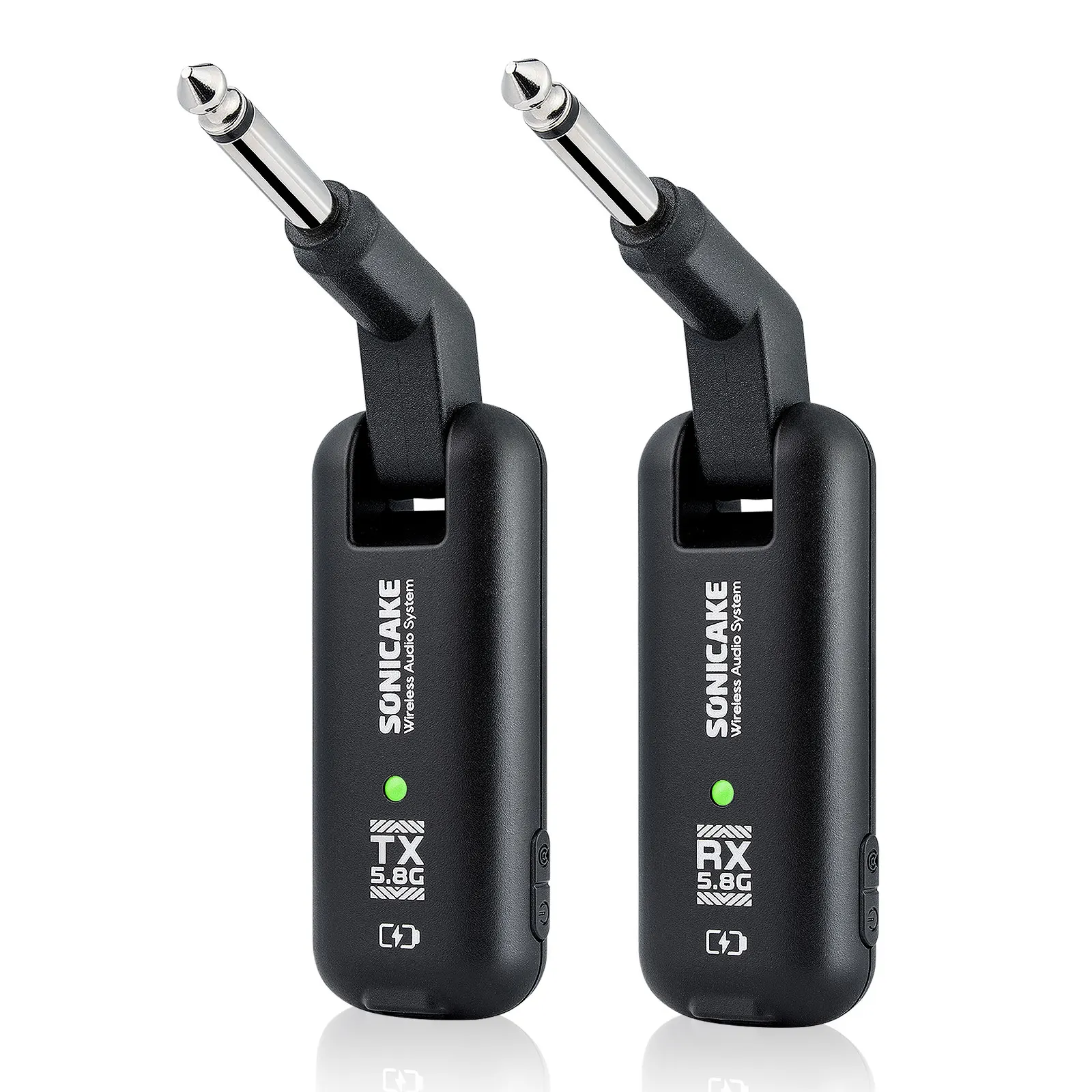
The SONICAKE QWS-20 5.8G Wireless Guitar System is designed for electric guitar, bass, keyboards, EWI wind instruments, and other electronic musical instruments.
Built for reliable long-distance transmission and high-fidelity audio performance, the QWS-20 delivers stable wireless operation with strong anti-interference capability. Its 5.8 GHz operating band minimizes interference from crowded 2.4 GHz environments, while excellent signal penetration and diffraction performance help maintain a stable connection even in complex setups with obstacles.
Compact, responsive, and easy to use, the QWS-20 is built for players who need dependable wireless freedom on stage, in rehearsal rooms, and in the studio.
Features:
5.8 GHz Wireless Transmission
Advanced 5.8 GHz technology reduces interference from common 2.4 GHz devices such as Wi-Fi and Bluetooth for a cleaner, more stable connection.
6 Selectable Channels
Freely switch between 6 channels for reliable performance in different environments and multi-device setups.
Ultra-Low Latency
Less than 6 ms latency delivers fast, responsive performance with natural playing feel.
High-Resolution Audio
24-bit / 48 kHz audio processing captures your instrument with clarity, detail, and dynamic response.
Long Wireless Range
Stable wireless performance from 100 ft (30 m) up to 165 ft (50 m), ideal for stage, rehearsal, and studio use.
Wide Frequency Response
20 Hz–22 kHz (±1 dB) frequency response preserves the full character and detail of your sound.
Package included:
1 x Guitar Transmitter
1 x Guitar Receiver
1 x USB Cable
1 x User Manual


1.Power On / Off
Press and hold Multifunction Button 1 for 3 seconds to power the unit on or off. The indicator light will turn on or off to confirm operation.
2.Battery Status Indicator
When powered on, the indicator light displays the remaining battery level:
• Green flashing: 80%–100%
• Yellow flashing: 30%–79%
• Red flashing: Below 30% (low battery)
3.Pairing & Channel Selection
For first-time pairing:
• Press and hold Multifunction Button 2 on both the transmitter (TX) and receiver (RX) for 3–4 seconds
• The RX indicator will remain solid while the TX indicator flashes, indicating Pairing Mode
• Within approximately 20 seconds, both indicators will display the same solid color, confirming successful pairing
• You can also briefly press Multifunction Button 2 on the TX to speed up pairing
After initial setup, the system will pair automatically during future use.
To switch channels, briefly press Multifunction Button 2 on the transmitter to cycle through the 6 available channels.
4.Charging
Use the included dual Type-C charging cable to charge both the transmitter and receiver simultaneously.
Note: The system automatically powers off and cannot be used while charging.


Combina com esse. Da mesma categoria.
Ver tudo ›